Menu
Capture context from your favorite AI assistants, then bring it to Cursor to build or sync to Notion to organize.
Capture conversations and automatically recall relevant context across all major AI chat platforms.

Capture conversations and auto-recall context from OpenAI's ChatGPT.
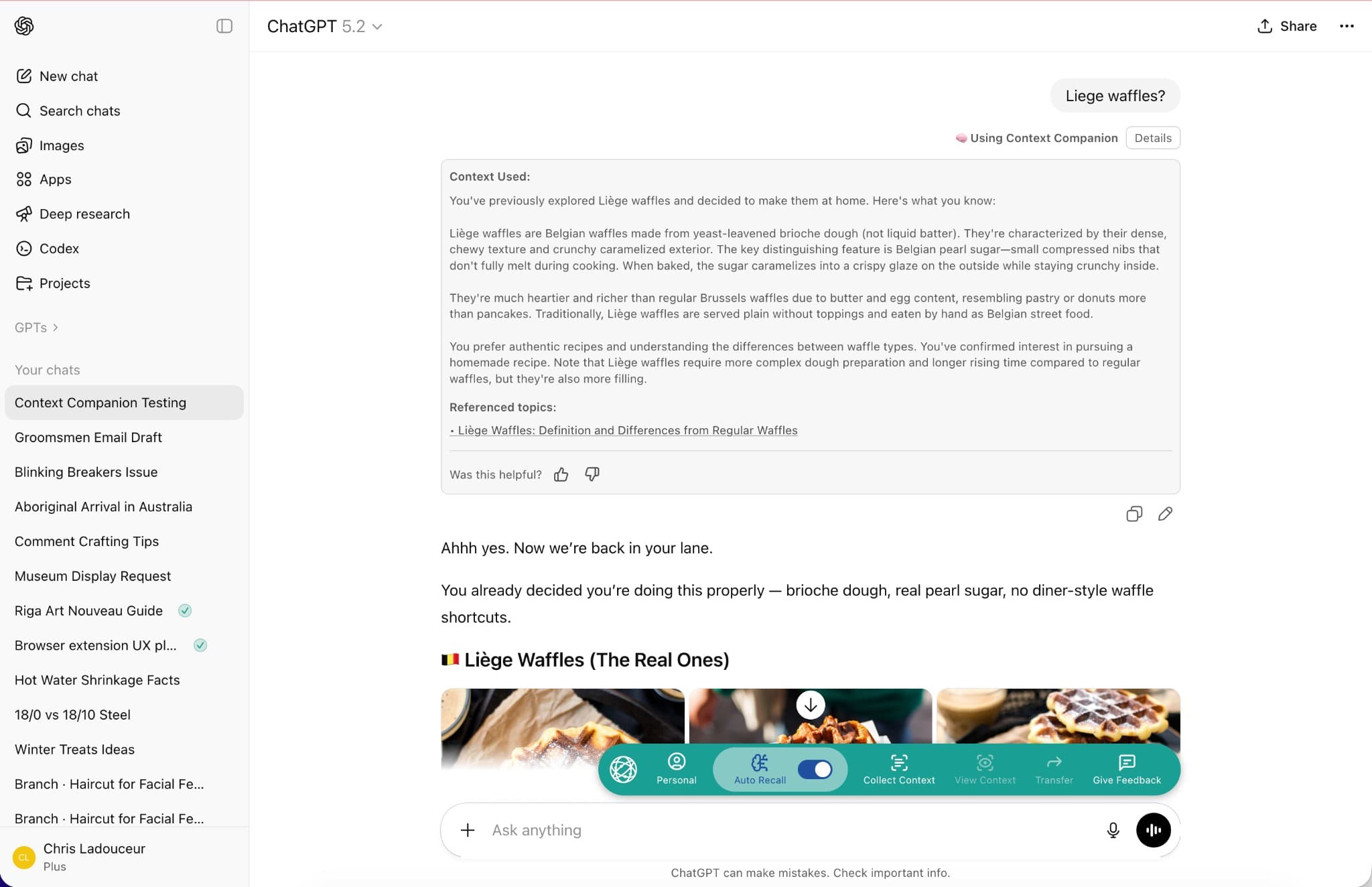

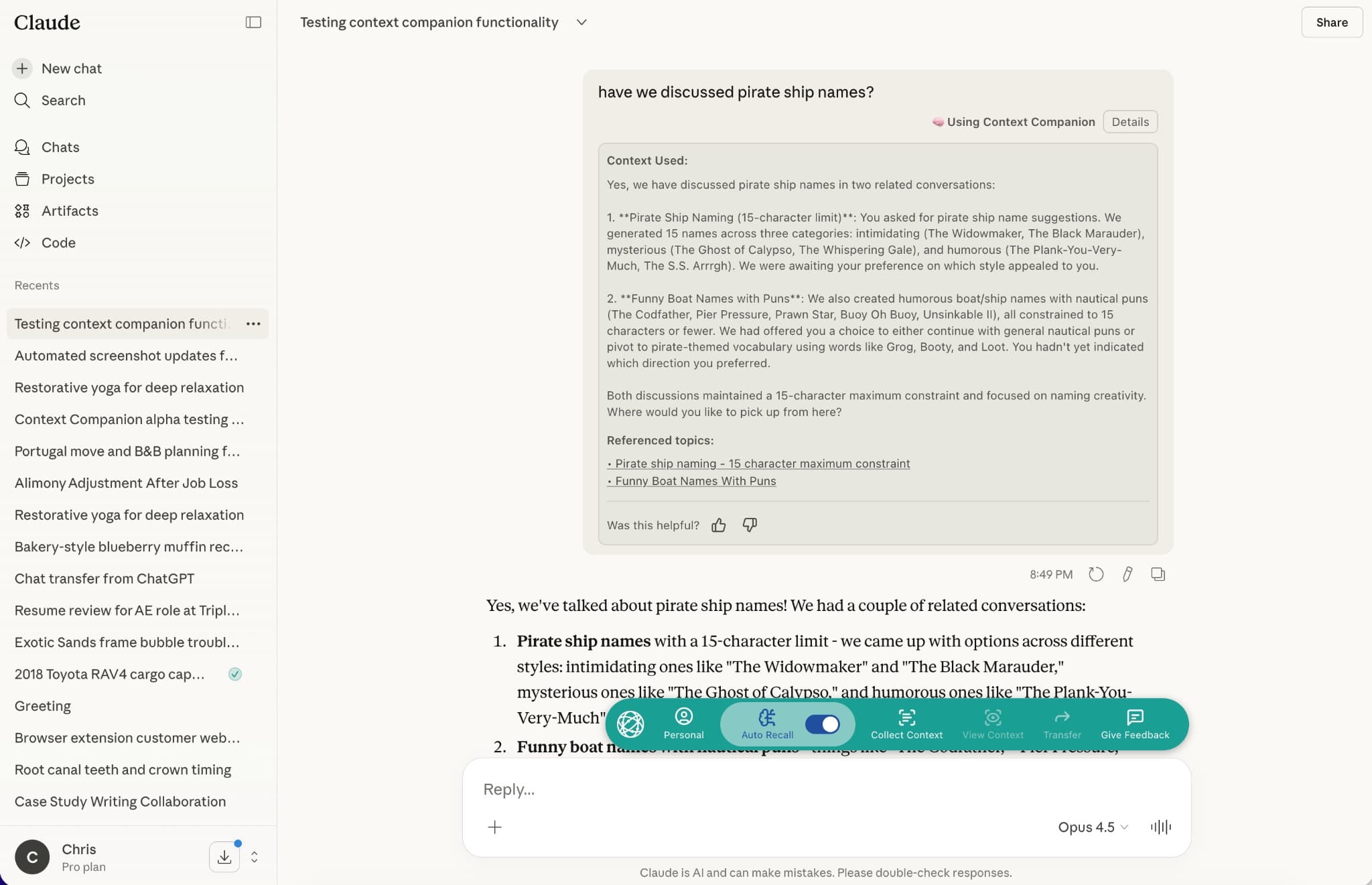
Seamlessly integrate with Anthropic's Claude for intelligent context management.

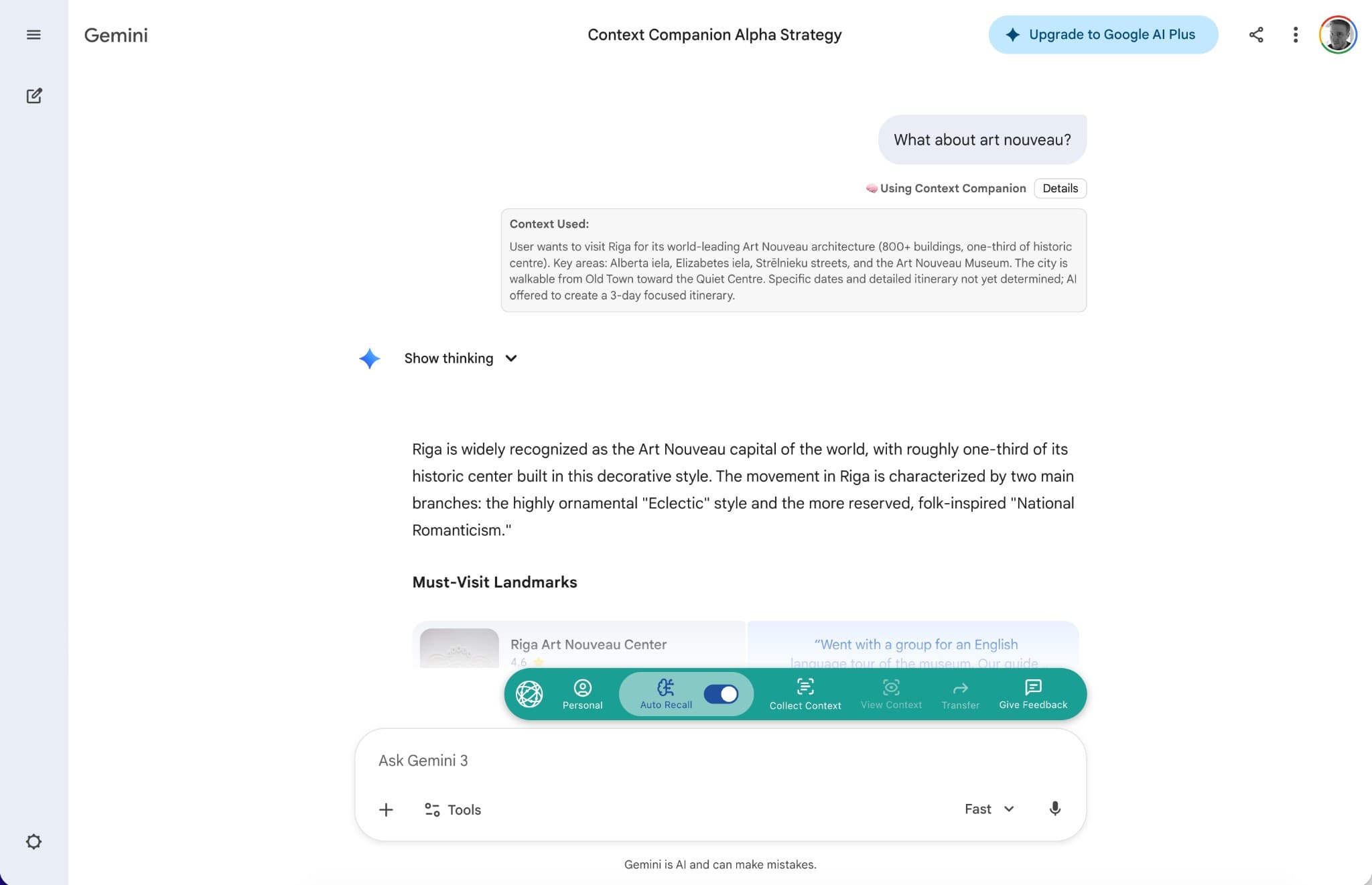
Bring your context to Google's Gemini for a unified AI experience.

Cursor isn't just another chat platform — it's where ideas become reality. Bring your brainstorming context from ChatGPT, Claude, or Gemini into Cursor and start building.
Cursor automatically queries your Context Companion knowledge base when you ask questions that could benefit from past context.
Had a great brainstorming session with Claude about your app architecture? That context is available in Cursor when you start coding.
Cursor can read your context but doesn't write to it. Your brainstorming happens in AI assistants; building happens in Cursor.
 Earlier today in Claude
“Let's architect this as a microservice with three main components: auth, data, and notification services...”
 Now in CursorContext loaded
// Building the auth service based on our discussion...
A complete workflow from ideation to execution and organization
Use ChatGPT, Claude, or Gemini to explore ideas, research solutions, and make decisions. Have deep conversations about your project without worrying about losing context.
 ChatGPT
 Claude
 Gemini
Click "Collect Context" to save important conversations. Context Companion's AI analyzes the conversation, extracts key points, and creates a searchable summary.
 Context Companion
Open Cursor and start building. When you need context from your brainstorming sessions, it's automatically available. Your ideas become reality.
 Cursor
Sync your summaries to a Notion database. Search and filter your knowledge, create custom views, and let Notion AI reference your past conversations.
 Notion
Stop repeating yourself. Start building with context.
Join the Waitlist